AI animation
AI animation for explainers, stories and ads
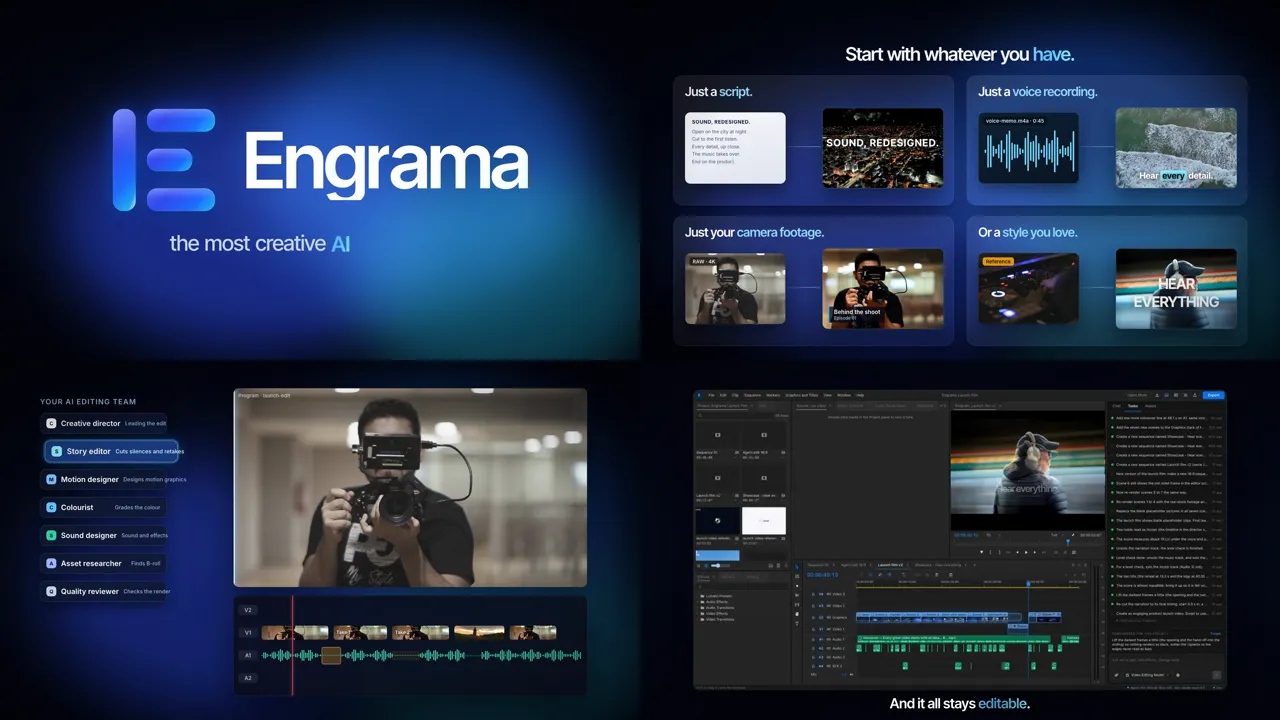
Turn an idea, a script or a voiceover into an animated video. Engrama's creative director plans the scenes and its motion designer animates them: characters and illustrated scenes, kinetic type, 2D motion design, 3D-style product shots and animated diagrams, all assembled with voice, music and sound.
Animation styles you can make
Animated stories
A character, a setting and captions that build the story to a reveal, for ads and explainers.
See animated styles2D motion design
Flat shapes, icons, cards and type that move with the narration.
3D-style motion
Extruded logos, product turntables, glass and depth effects, orbiting cards.
Explainer animation
Steps, diagrams, flows and charts that make an idea easy to follow.
Animated text
Kinetic typography and word-by-word captions synced to the voice.
Logo and brand animation
Logo reveals, end cards and brand intros for every video.
How to make an animated video with AI
Start with the idea or the script
Paste a script, upload a voice recording, or describe the story in a few lines.
Pick a style
Describe the look, or attach a reference animation you love. The Style Explorer has styles to start from.
The director plans the scenes
It splits the story into scenes, decides what each one shows and casts a voice for the narration.
The motion designer animates them
Each scene is designed and rendered as a clip, timed to the voice, with music and sound effects.
Refine any scene
Ask for changes to one scene without touching the others, or edit the timeline by hand.
AI animation questions
What is the best AI animation generator for videos?
For a finished animated video with narration, music and sound, Engrama plans and animates every scene and assembles them on an editable timeline, so you can change one scene without starting over.
Can I animate my own script?
Yes. Paste or upload the script; the director casts a voice, plans the scenes and animates them.
Can it match an animation style I like?
Yes. Attach the animation as a reference and the director follows its look and pacing. How references work.
Animate your next idea
Bring a script or a few lines about the story and choose a style.
Published by the Engrama team · Updated