AI sound effects
AI sound effects for video, placed on the frame
Engrama's sound designer adds the sound a scene needs: whooshes on transitions, pops on titles, hits on reveals, risers before a drop and ambience under a shot. Each effect lands on the exact frame where something moves, from a built-in sound library or generated with AI for the scene.
Sound design that follows the picture
Synced to motion
When a graphic slides in, a card pops or a logo lands, the sound hits on that frame.
Generated for the scene
Describe a sound, or let the director ask for one, and AI creates it for that moment.
A built-in library
Whooshes, swipes, clicks, pops, impacts, shimmers and risers ready to place.
Mixed with the rest
Effects sit under the voice and the music, with loudness checked on the final render.
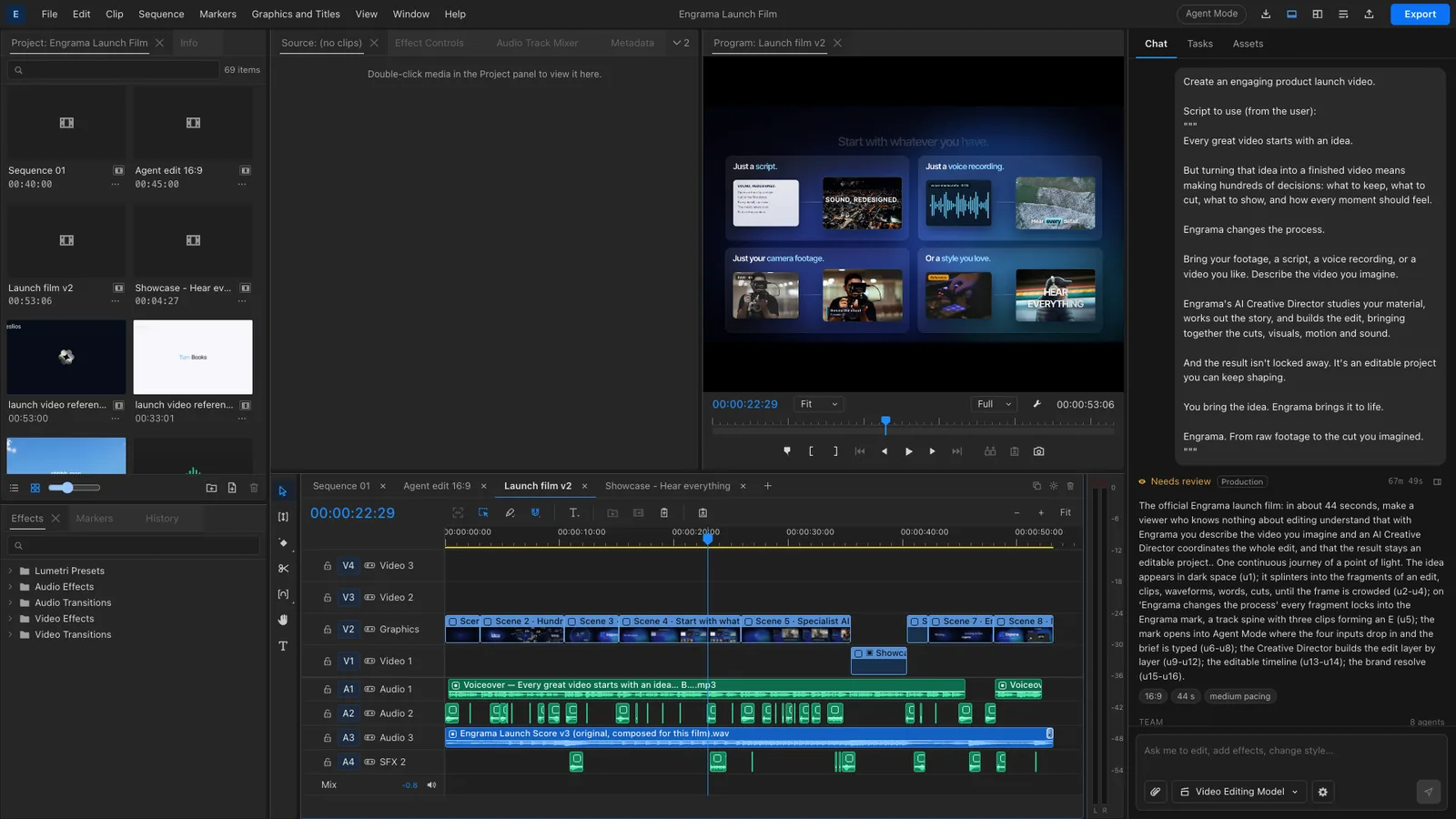
How to add sound effects with AI
Ask for it
“Add sound effects when the graphics move” or “a whoosh on every transition”, or let the director decide.
The sound designer places them
It finds or generates each sound and places it on the frame of the move.
Check the mix
The render is measured so the voice stays clear and nothing clips.
Adjust by hand
Every effect is a clip: move it, change its volume, or ask for a different sound.
Sound effect questions
Can AI generate sound effects for a video?
Yes. Engrama's sound designer generates or picks the sound each moment needs and places it in sync with the picture.
Can I add music too?
Yes. Use your own music or ask for a mood; the music bed is placed under the whole video and ducks under the voice.
Give your video sound
Upload the video and ask for the sound design you want.
Published by the Engrama team · Updated